
Uncategorized
How to Edit Engaging Videos for Social Media (Without Expensive Software)
In a world where everyone is scrolling, how do you get them to stop and watch your content? The answer is video. But not just any video—you need content that grabs attention and holds it. The good news is you don’t need a Hollywood budget or a degree in film to edit engaging videos anymore.
With the right techniques and a powerful tool on your phone, you can create professional-looking content for TikTok, YouTube, Instagram Reels, and more. This guide will walk you through the essential steps to transform your raw footage into polished, share-worthy videos.
Why You Must Learn to Edit Engaging Videos
Before we dive into the “how,” let’s talk about the “why.” Social media algorithms love video because users love video. An “engaging” video is one that people watch for longer, which signals to platforms like Instagram and YouTube that your content is valuable. This leads to more views, more followers, and more impact. The key is to make every second count.
The 5 Core Steps to Edit Engaging Videos
Editing is where the magic happens. It’s the process of taking good footage and turning it into a great story. Here are the five fundamental steps to focus on.
1. Hook Your Viewer in the First 3 Seconds
You have a tiny window to capture someone’s attention. Your video’s opening needs to be dramatic, intriguing, or ask a question. Don’t waste time with a slow intro. Start with the most exciting part of your video or a bold on-screen text hook like “You won’t believe this trick…” This single technique is crucial if you want to edit engaging videos that people actually finish.
2. Use Dynamic Pacing and Quick Cuts
A single, long, uncut shot is boring. To keep viewers locked in, use quick cuts and change the camera angle or shot type frequently. Splice in B-roll (supplemental footage) to illustrate what you’re talking about. This “pattern interrupt” keeps the brain stimulated and prevents people from scrolling away. A good rule of thumb for social media is to change the shot every 3-5 seconds.
3. Add On-Screen Text and Captions
A huge percentage of users watch videos with the sound off. If your video relies on someone talking, you must add captions. Furthermore, using animated on-screen text to highlight key points makes your video more visually appealing and easier to follow. This makes your content accessible and dramatically increases its reach.
4. Master Your Audio and Music
Audio is half of the video experience. Poor sound quality can ruin an otherwise great video. Make sure your primary audio is clear and easy to hear. More importantly, add background music that matches the mood of your video. A trending sound on TikTok or a dramatic score can completely change how your content is perceived. As a leading study from HubSpot shows, audio is a key part of the viewer experience.
5. End with a Clear Call-to-Action (CTA)
What do you want the viewer to do after watching? “Like and follow for more”? “Comment your thoughts below”? “Click the link in my bio”? Tell them directly. An effective CTA turns a passive viewer into an active follower or customer.
The Best Free Software to Edit Engaging Videos
You don’t need expensive desktop software like Adobe Premiere or Final Cut Pro for this. All the techniques above can be done right from your phone.
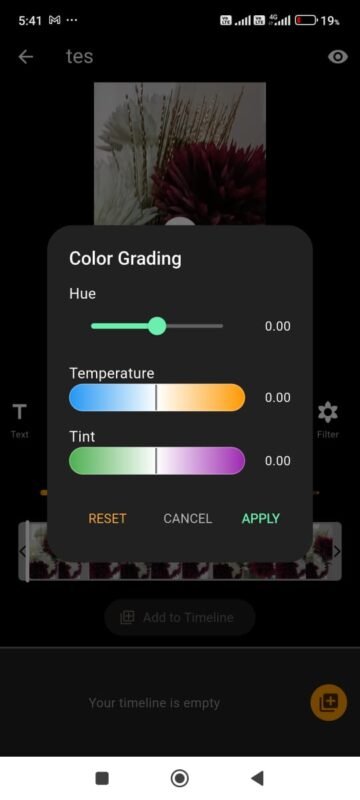
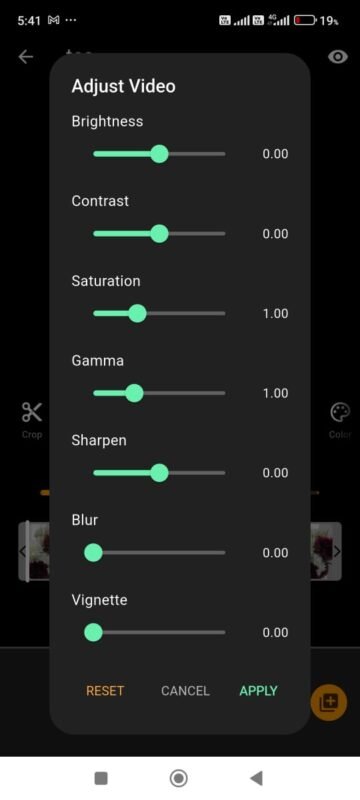
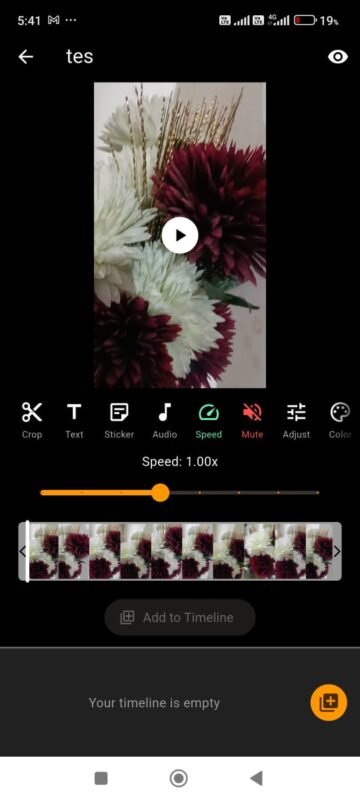
For Android users, the best tool we’ve found is Light Camera Action. It’s a powerful, free app designed specifically for creating social media content. Unlike other apps, it gives you pro-level features without a watermark, including:
- Easy Trimmer & Merger: Quickly cut your clips and arrange them in a timeline.
- Text & Effects Library: Add stylish text, filters, and effects with just a few taps.
- Audio Mixer: Easily add music and control the volume of your original audio.
It has everything you need in a free video editor for Android to start creating professional content immediately. This focus on simplicity and power is why it’s a fantastic choice for creators. If you need help choosing equipment, check out our guide on finding the right gear for content creation. Free video editor for Android on play store.
Conclusion: Your Turn to Create
The gap between a boring clip and a viral video is simply good editing. By focusing on a strong hook, dynamic pacing, on-screen text, great audio, and a clear CTA, you can dramatically improve your content.
The tools are now free and accessible to everyone. You no longer have an excuse to post unedited footage. Download an app like Light Camera Action, start practicing these principles, and you’ll be amazed at how simple it is to edit engaging videos that your audience will love.
